

Platform Overview
The administrative command center for managing workspaces, finance, and security.
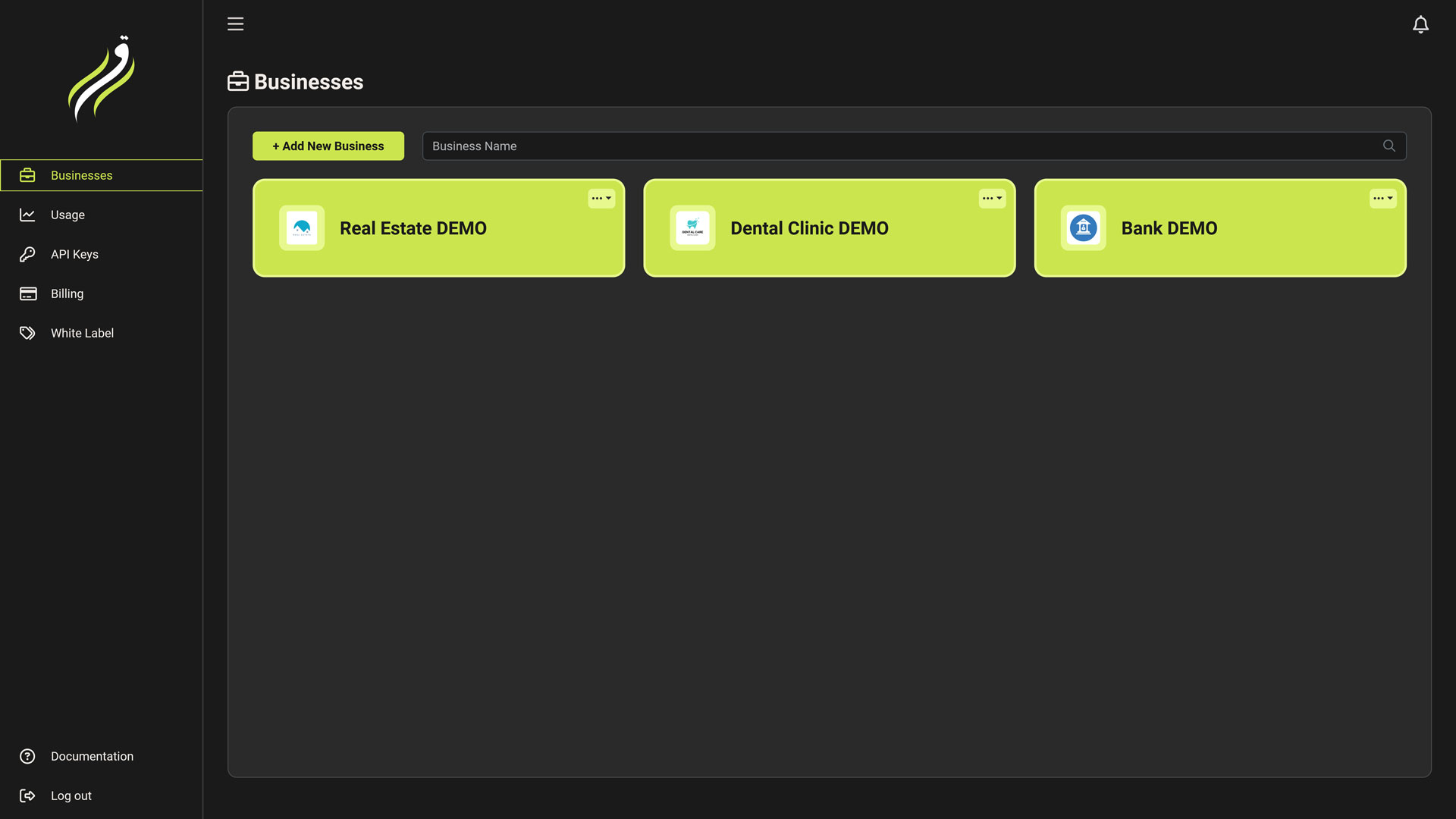
The User Dashboard is the top-level management layer of Iqra AI. It is designed for the Account Owner or Agency Administrator.
Unlike the Business Dashboard (which is for building agents), this dashboard focuses on Governance:
- Who has access? (Tenancy & Whitelabeling)
- How much are we spending? (Finance)
- How is the system performing globally? (Analytics)
Core Modules
Businesses
Workspaces. Create isolated containers for your projects or clients. Each business has its own agents, numbers, and data.
Billing & Plans
The Wallet. Manage your credit balance, subscription plans, payment methods, and auto-refill settings.
Usage Analytics
The Ledger. View aggregated cost reports, filter usage by business or feature, and audit transaction history.
API Keys
Access Control. Generate secure tokens to control the platform programmatically. Support for Business-scoped keys.
Whitelabeling
Agency Engine. (Cloud Only) Rebrand the platform with your domain/logo and manage sub-customers.
The Hierarchy Strategy
Iqra AI uses a strictly hierarchical model to ensure data safety, easy billing management, and agency scalability.
Key Concepts
- Global Billing: You pay for all usage across your businesses from a single wallet. You do not need separate credit cards for every workspace.
- Data Isolation: While billing is shared, data is not. An API Key scoped to "Business A" cannot read the conversation logs of "Business B".
- Whitelabeling (Agency Mode): As a Master User, you can create "Customers." A Customer is a sub-user who can log in to a specific Business Workspace via your custom domain (e.g.,
app.youragency.com), seeing only what you permit.
Quick Navigation
To start building agents, click on any card in the Businesses tab to enter the Workspace context.